Private photo vault for iPhone
Private photos, on your iPhone only.
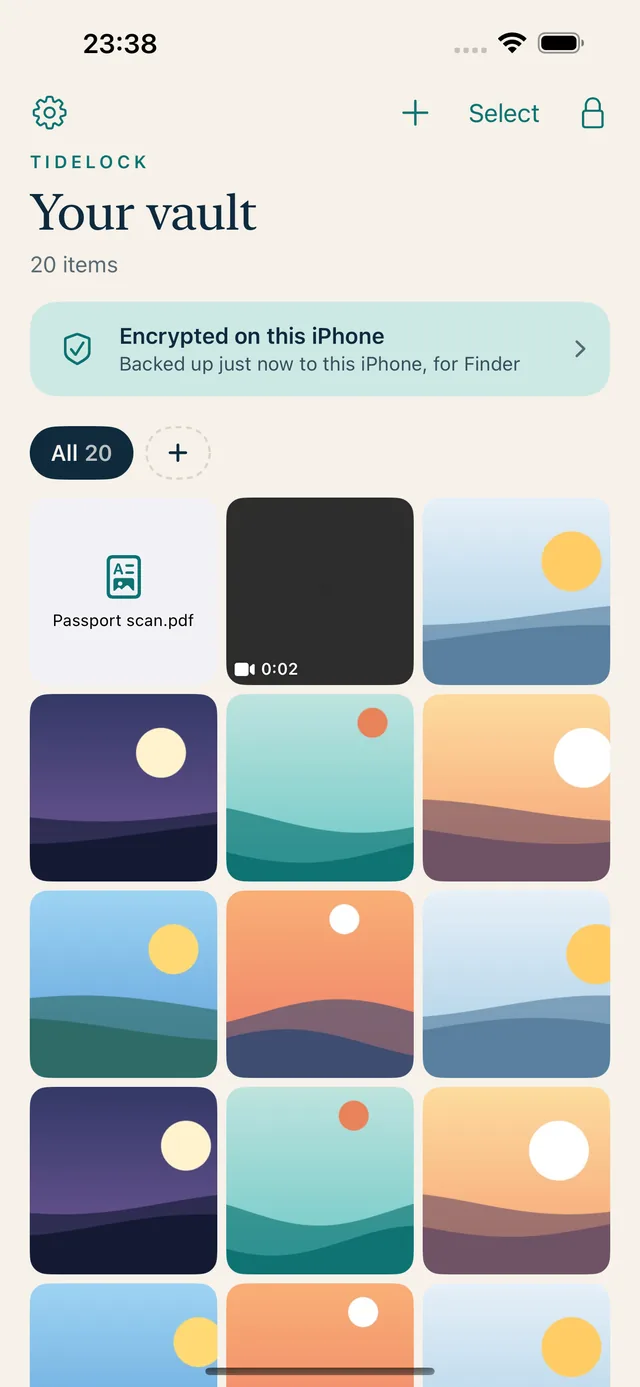
Tidelock encrypts your photos and files right on your iPhone, and your videos too with Premium. No account, no cloud, no tracking. Just a calm, safe place that only you can open.
- No accountNothing to sign up for.
- No cloudNever uploaded anywhere.
- No trackingWe collect no data at all.
What it does
Everything you need, nothing you don't.
Look back, privately.
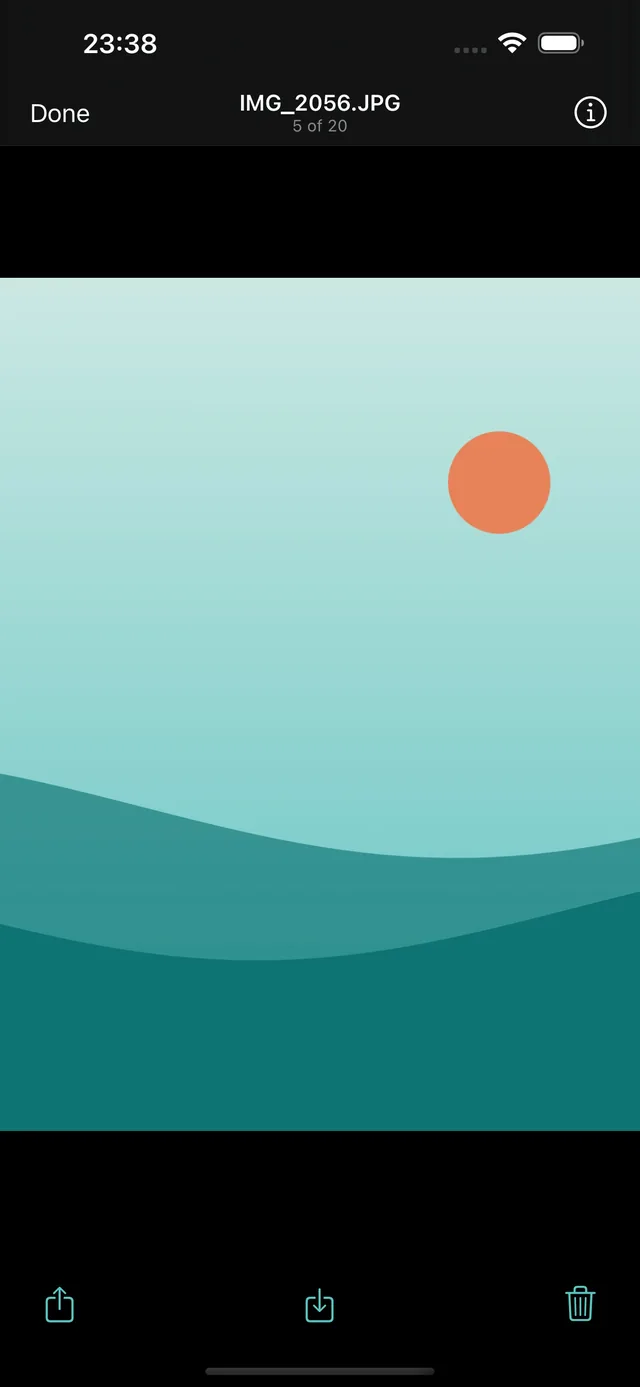
A full-screen viewer for photos, videos and documents. Everything opens straight from encryption, and nothing is left behind in your Camera Roll.
- Add from Photos, Files, or “Save to Tidelock” in any app's share sheet
- Albums, zoom, and videos that play without a decrypted copy
- Remove a photo's location before you share it
Only you get in.
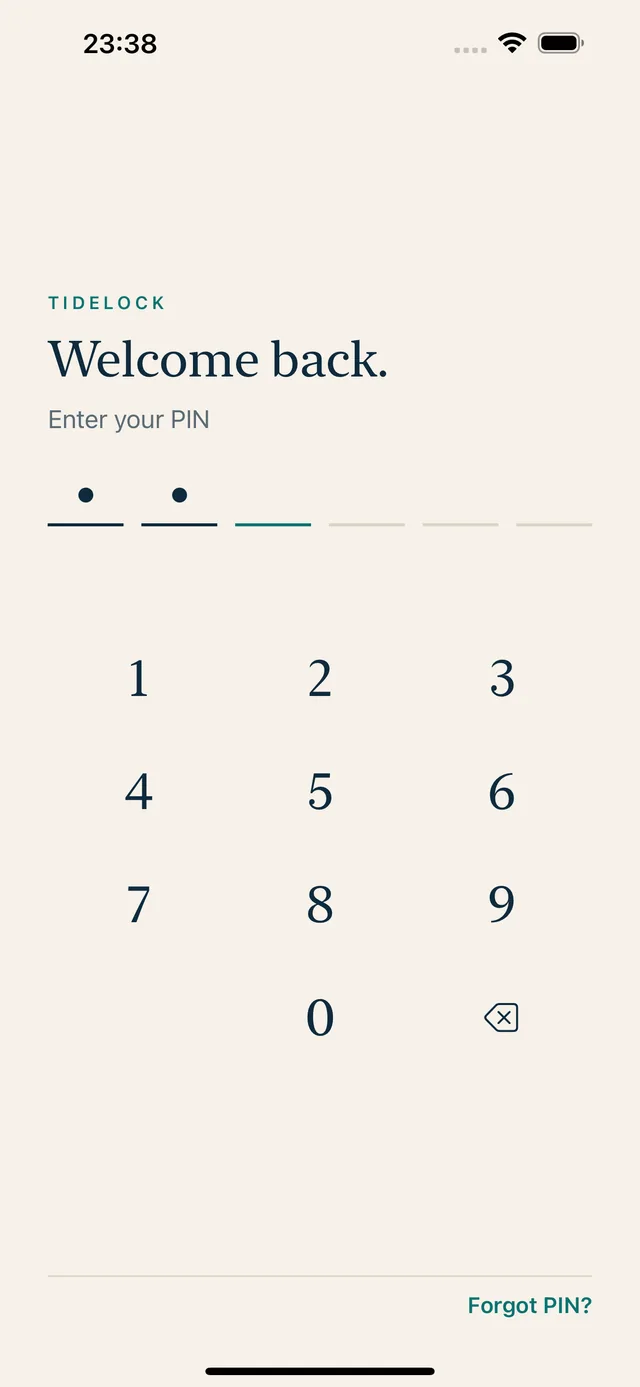
Open with your PIN or Face ID. Tidelock locks itself when you leave, and hides its contents in the app switcher.
- A 12-word recovery key if you ever forget your PIN
- Optional copy of the key in iCloud Keychain. Never your files
- Premium: a decoy PIN that opens a separate, harmless vault
Never lose a memory.
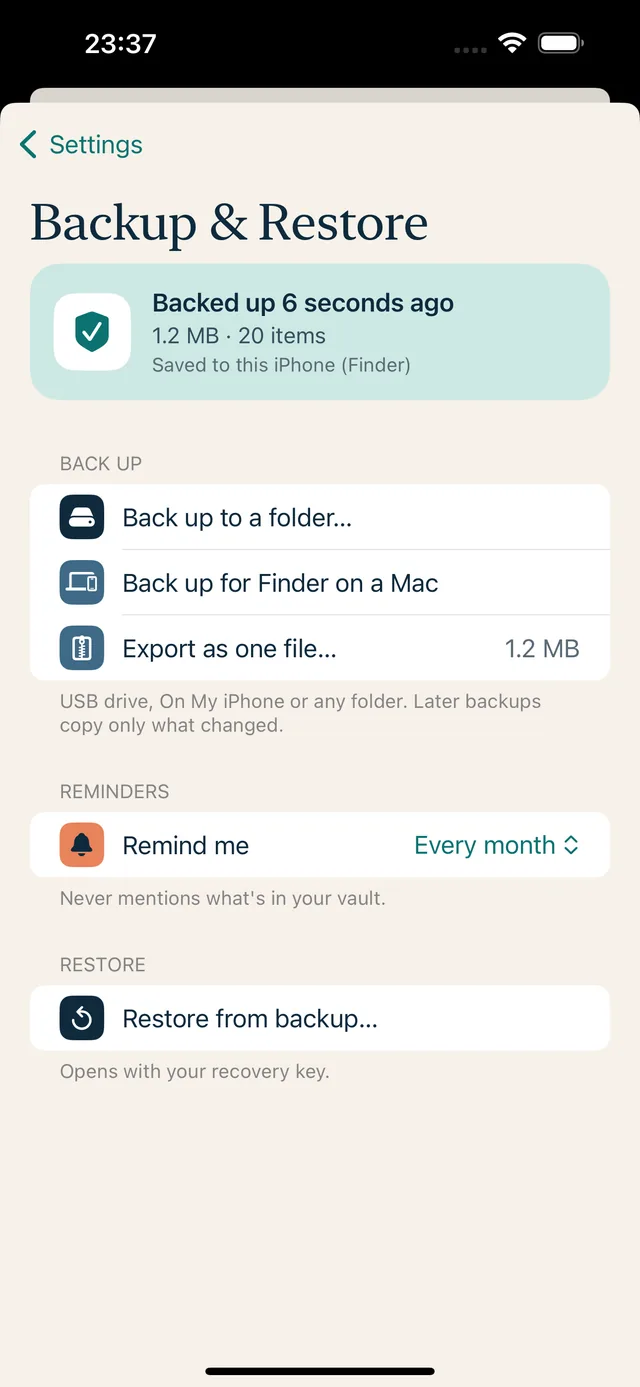
Back up to a USB drive, a folder or your Mac. Later backups copy only what changed. A calm status card always tells you when you last backed up.
- Reminders on your schedule: every 7 days, 14 days, month or 3 months
- Backups stay encrypted wherever they go
- Backups and restore are always free
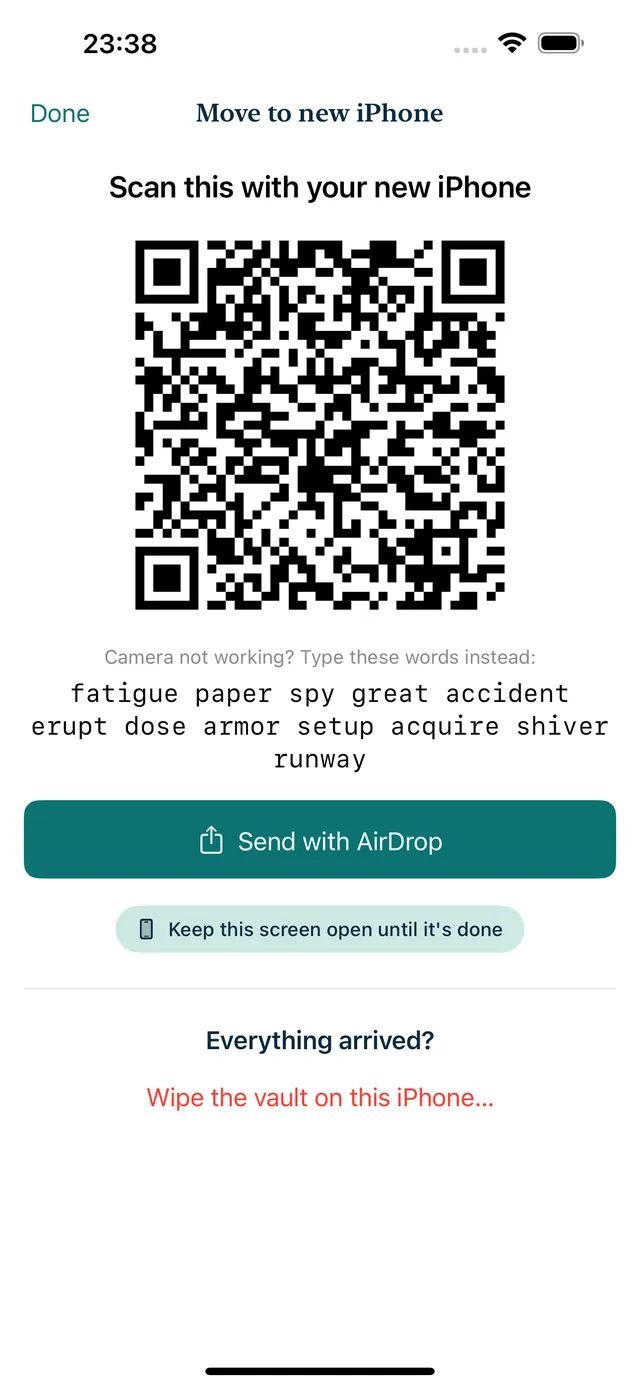
New iPhone? Bring your vault.
Send an encrypted copy with AirDrop and scan a one-time code on the new phone. A copy sent to the wrong phone can't be opened.
- No account or cloud in between
- Or use a drive if AirDrop isn't handy
- Always free
How it stays private
Your keys. Your iPhone. Nobody else.
Tidelock has no server to break into. Everything happens on your device, with keys that only you hold.
- Encrypted hereEvery photo, video, thumbnail and file name is encrypted on your iPhone the moment you add it.
- Unlocked by youYour PIN or Face ID opens the vault. Your recovery key is the only other way in.
- Never uploadedTidelock makes no network connections. We can't see your vault, and we can't reset it.
We can't recover a lost PIN and recovery key. That's the point.
Pricing
Free to start. Fair after that.
Free
- Up to 50 photos and files
- PIN, Face ID and recovery key
- Backups, restore and Move to new iPhone
Premium
- Unlimited items, and videos
- A decoy vault with its own PIN
- Disguise the icon as a calculator, notes or weather app
Stop paying any time: everything stays viewable and exportable. Prices in US dollars. The App Store shows the exact price for your country, including any tax.
Questions
Good to know.
What if I forget my PIN?
On the lock screen, tap Forgot PIN? and type the 12 words from your recovery sheet. Then choose a new PIN. Your files are still there.
Can you recover my vault for me?
No. We never have your keys or your files, so there's nothing for us to recover. Keep your recovery key safe; it's the only way back in.
Is anything stored in iCloud?
Only if you choose. You can keep a copy of your recovery key in iCloud Keychain, and you can include the encrypted vault in your iPhone backups. Your files are never uploaded by Tidelock.
What happens if I stop paying?
Everything stays viewable, and you can still back up, restore and move to a new iPhone. You just can't add more than the free plan allows.

A calm, safe place for what matters.
Free for your first 50 items. No account needed.